
VIZIQ COMPOSER
Pro & Business Multi-product lifestyle scenes,
composed in 30 seconds.
Combine 2–8 products from your catalog into a single cohesive scene — a jacket, trousers and bag styled as one look, or a sofa, rug and lamp staged as one room. Bundle imagery, collection visuals, cross-sell hero shots. The set design and photo shoot, in software.
Why Composer
The set design and photo shoot, in software — at campaign pace.
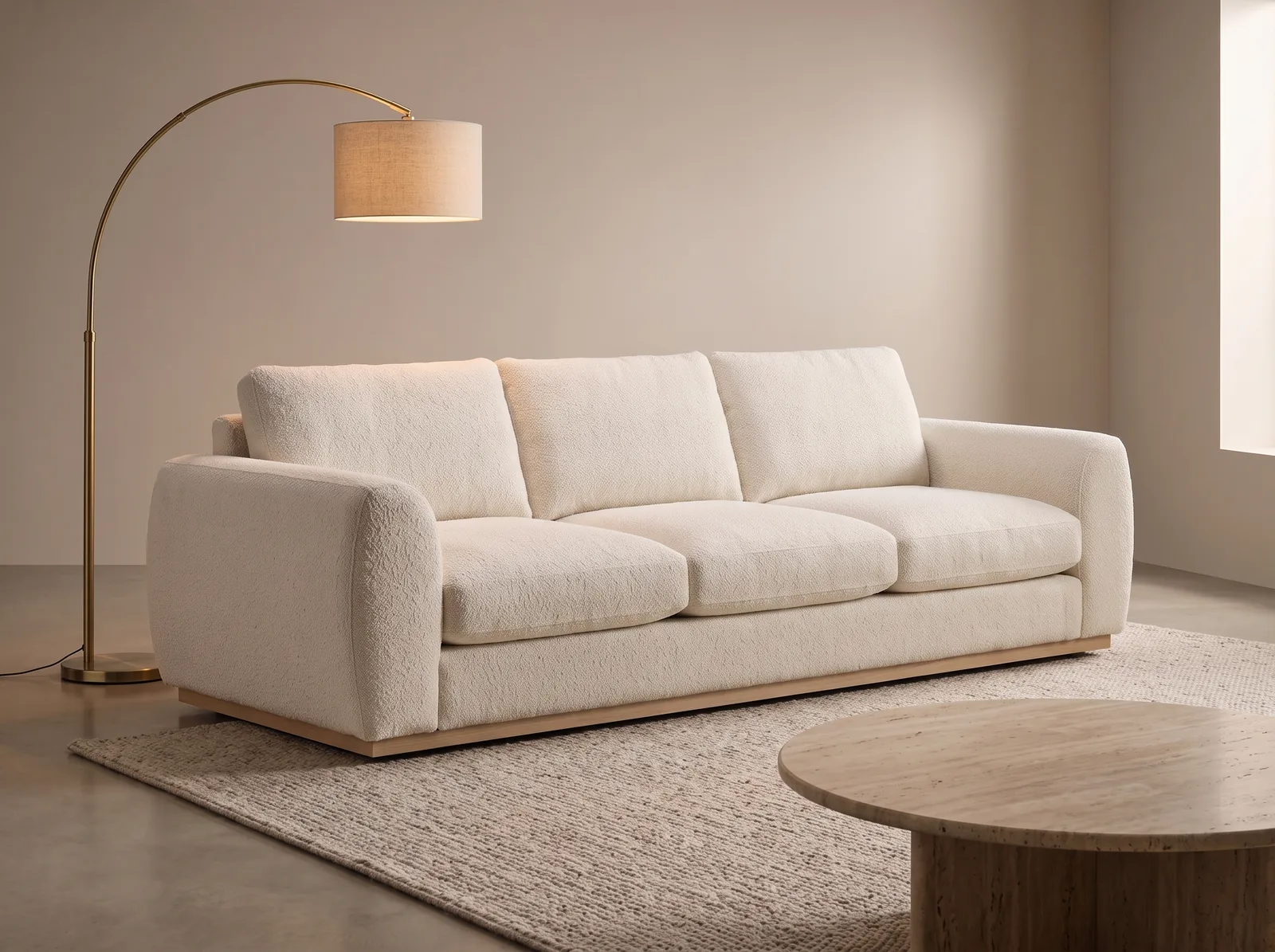
Multi-product staging
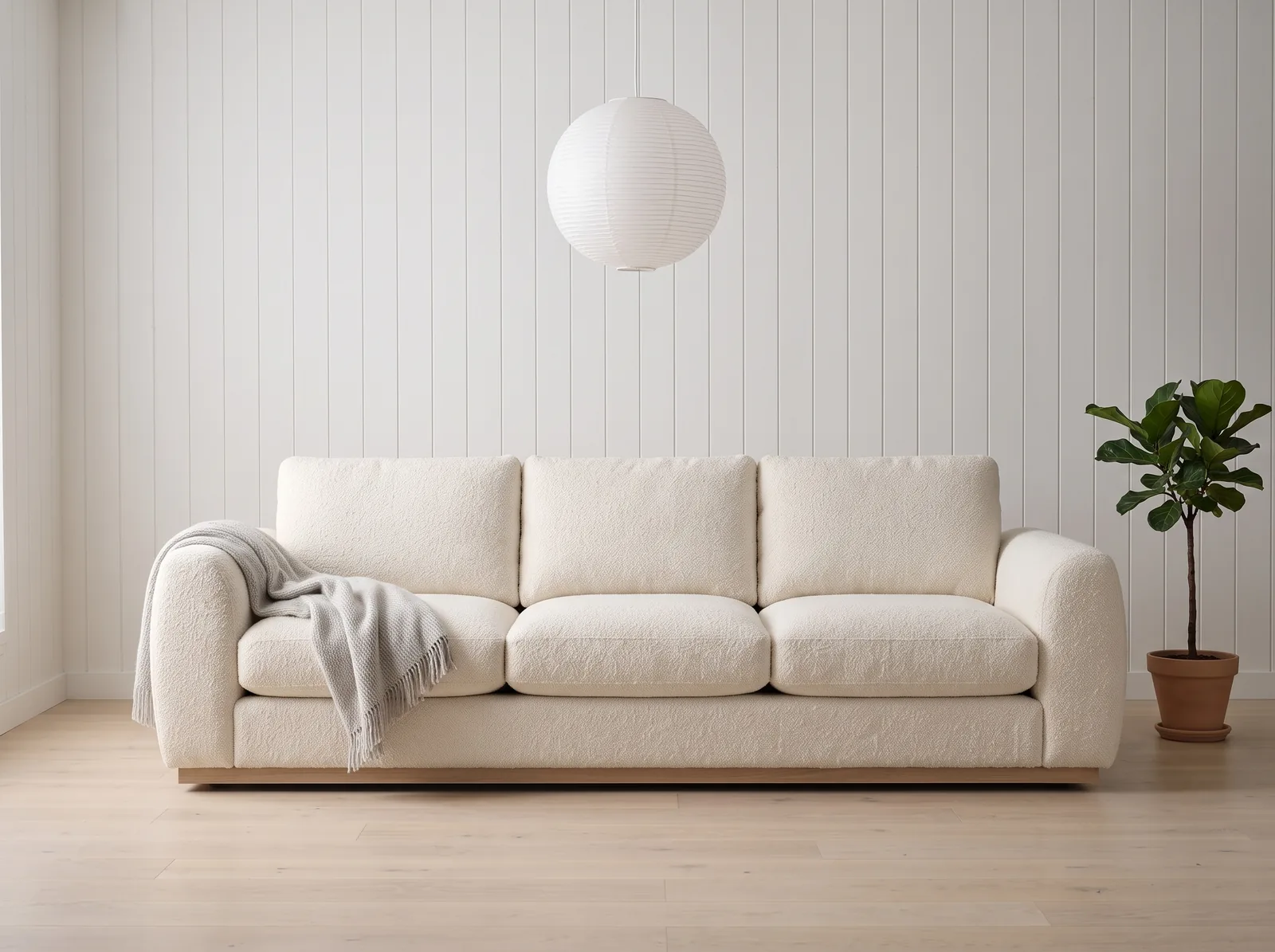
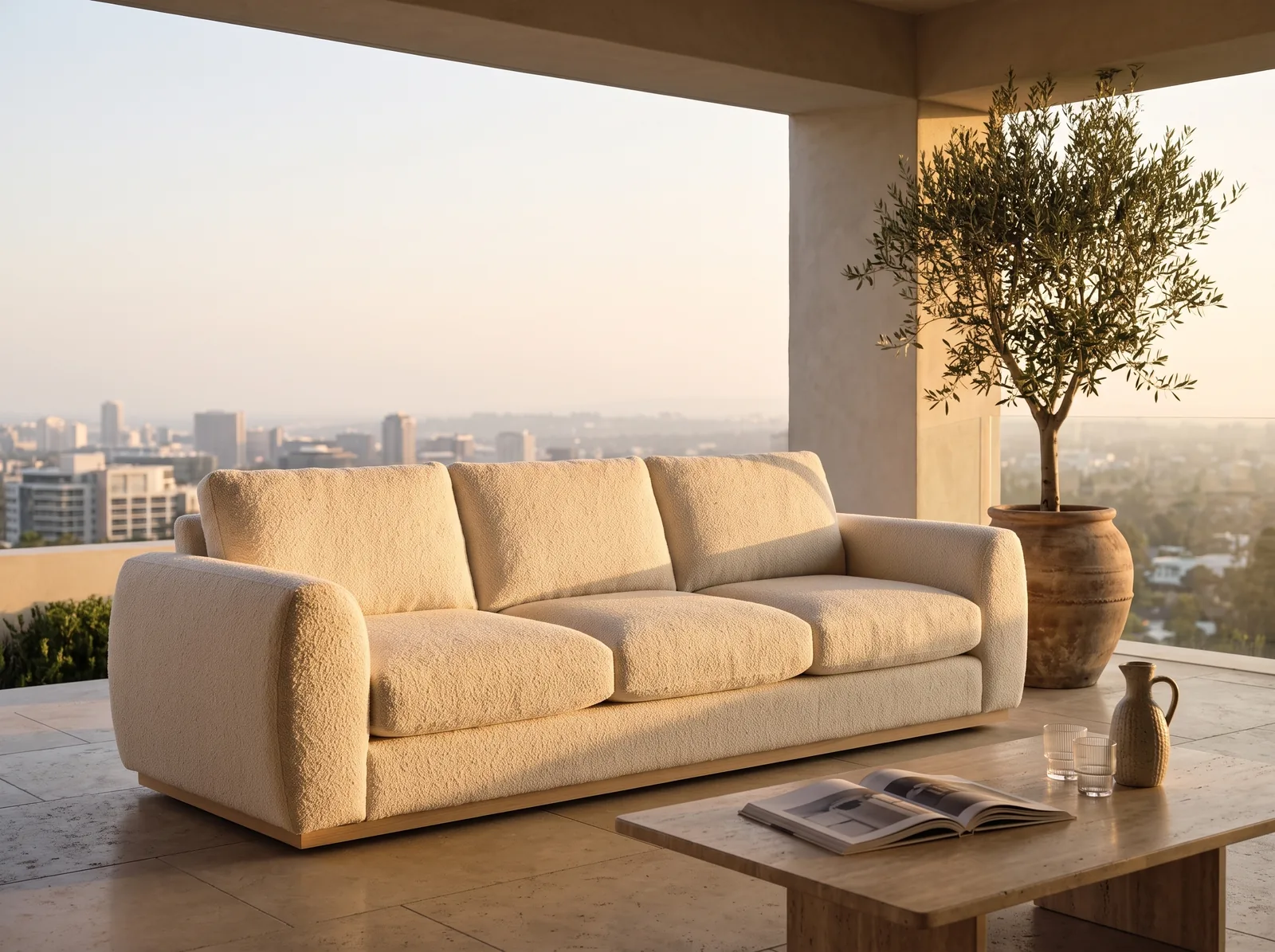
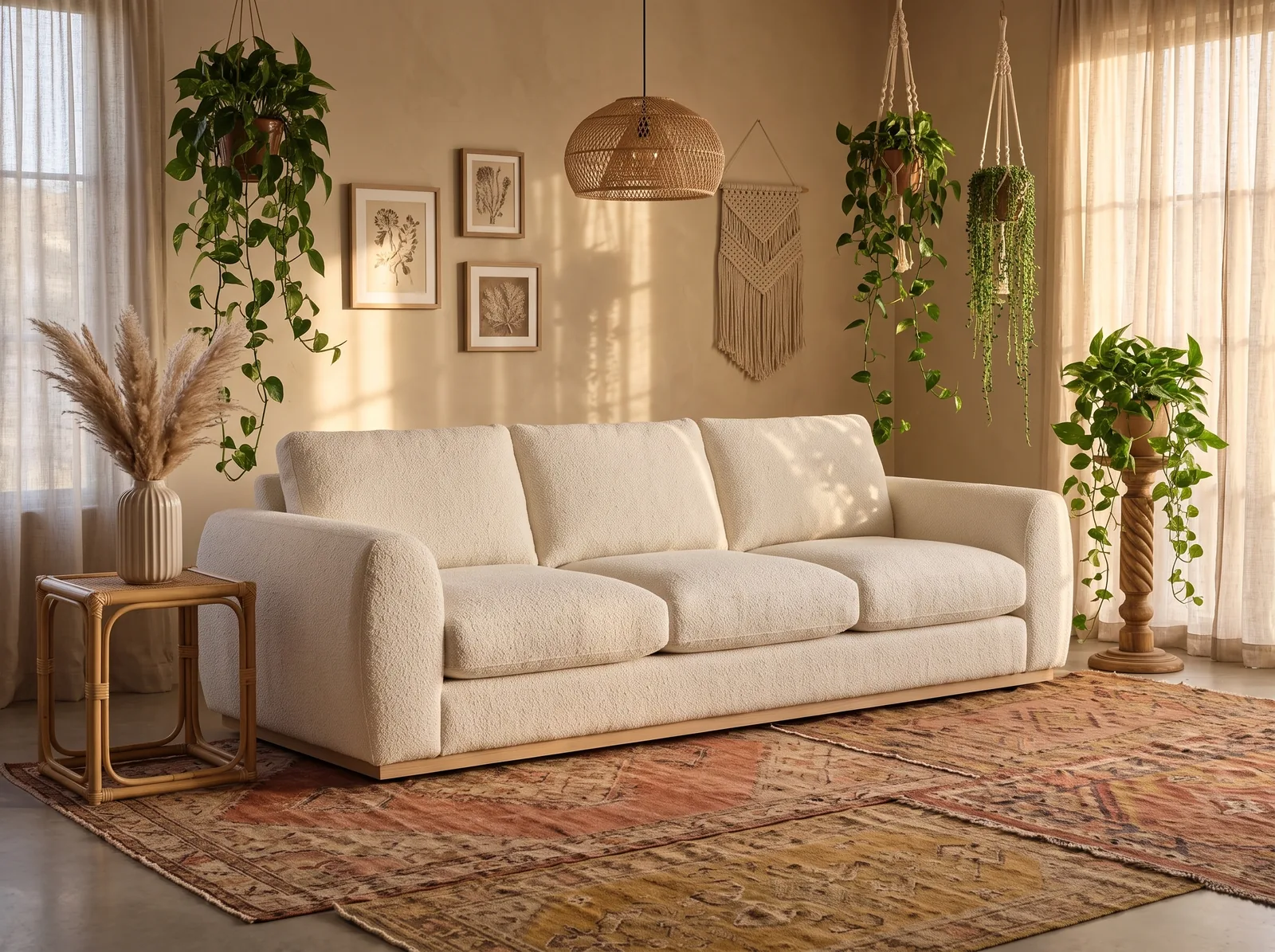
Sofa, rug, lamp, table, vase, throw — six catalogue SKUs staged as one room.
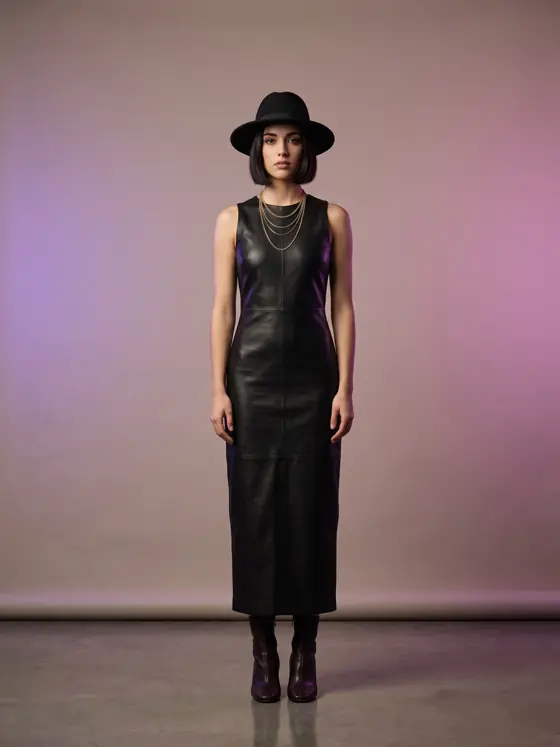
4 products, one look
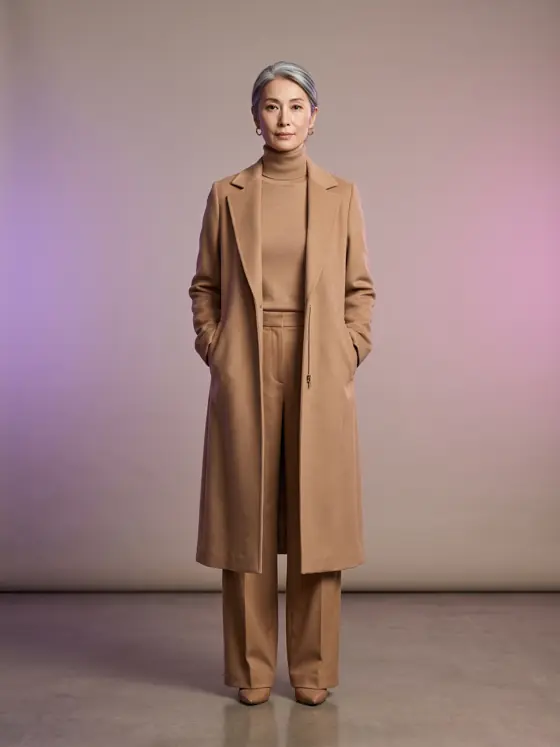
Coat, scarf, sunglasses, boots — separate SKUs, styled as one outfit.
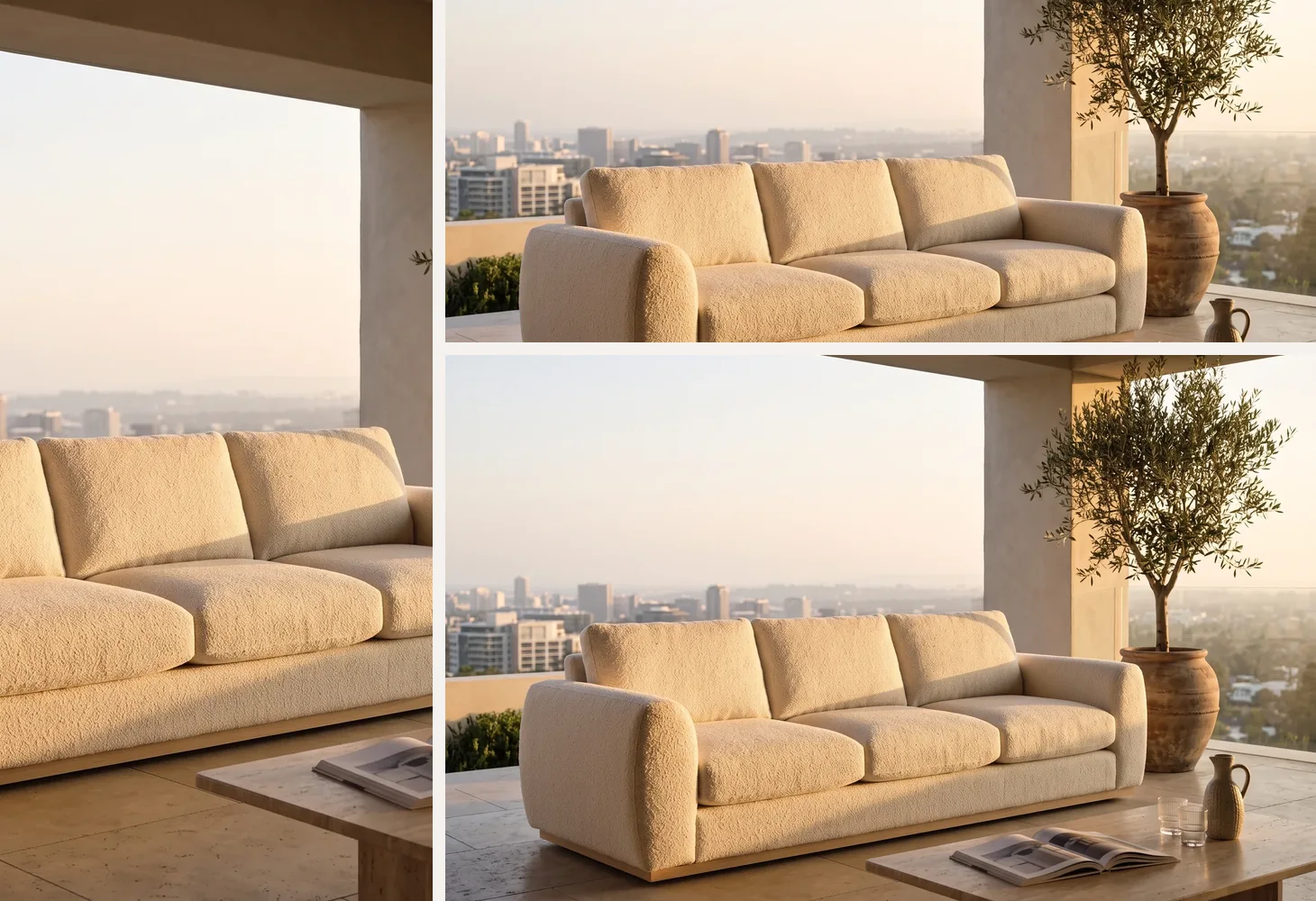
5 aspect ratios
Hero, social, banner, product, portrait — every crop from one composition.
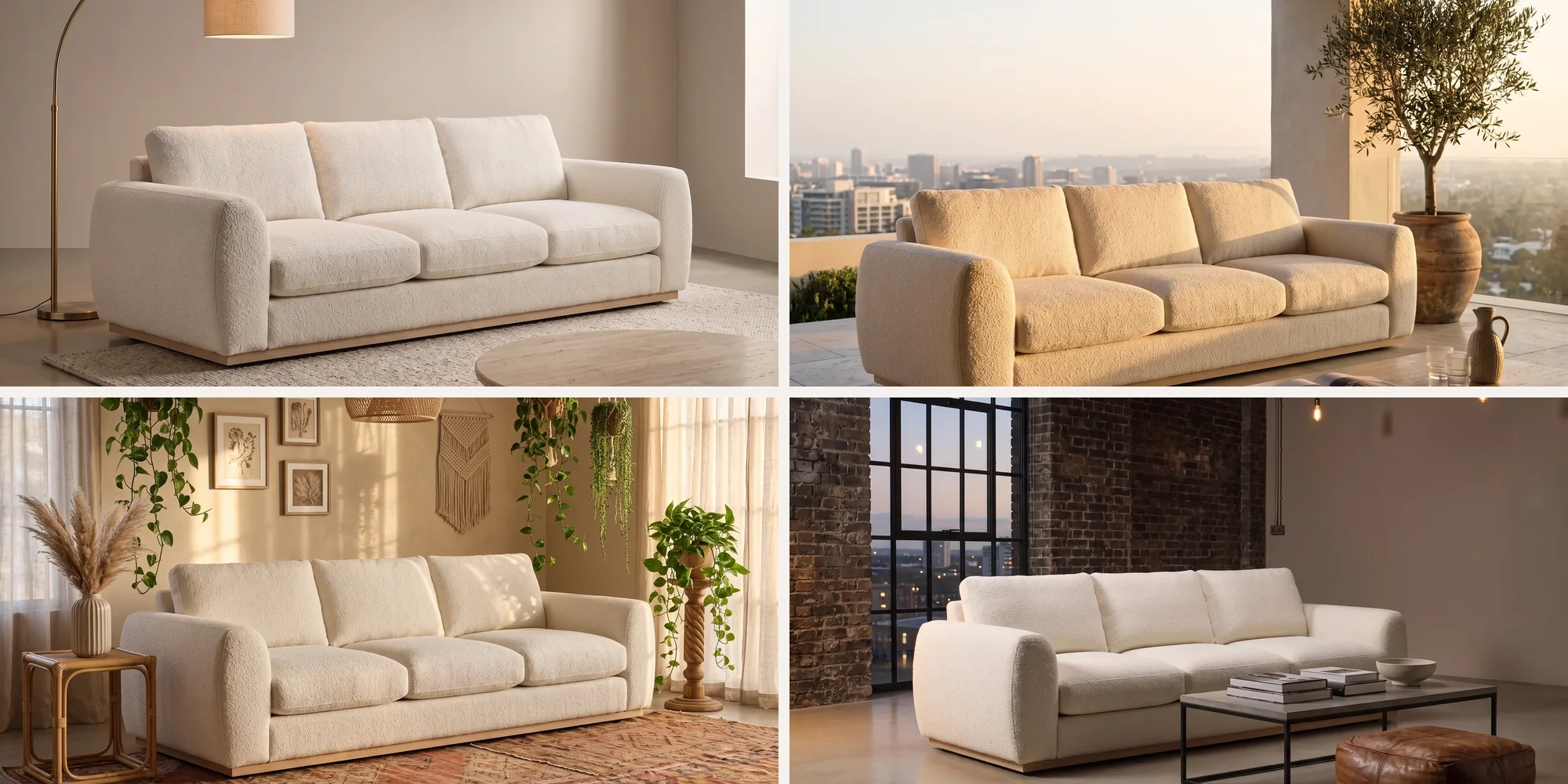
Composition history
Every scene saved, searchable, and re-editable. Iterate without losing work.
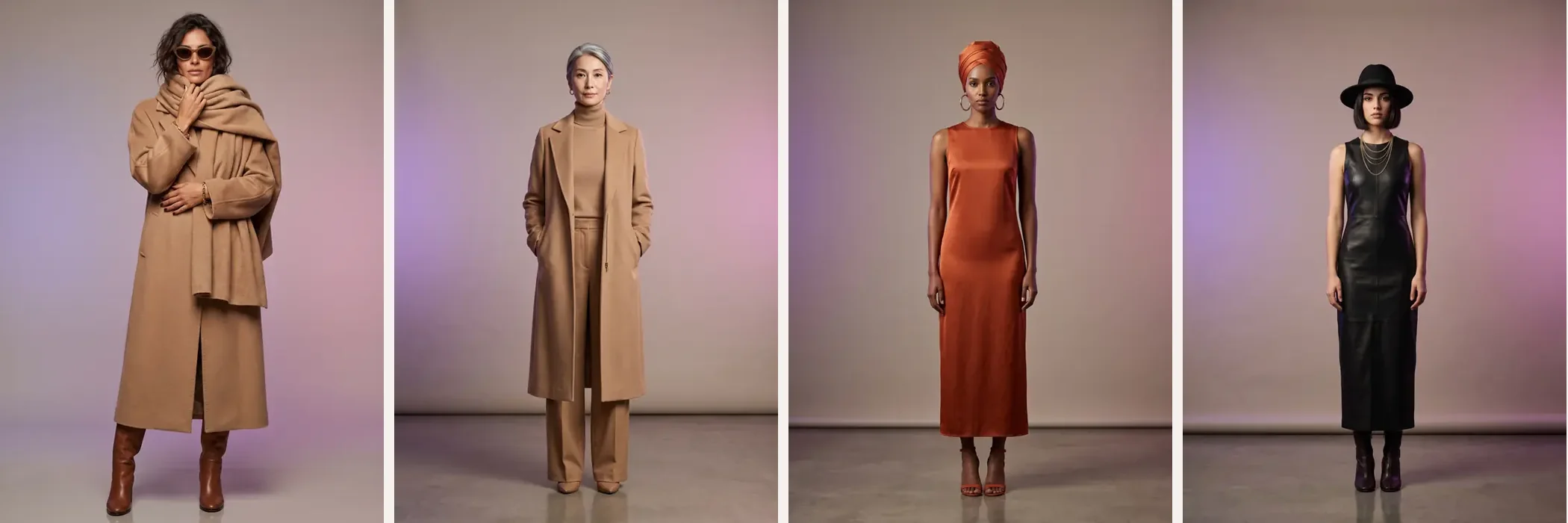
Brand-consistent every time
Palette, mood, composition rules — every output governed by your active Brand Profile, automatically.
The cost of disconnected SKUs
Single product shots don't sell a scene.
Shoppers buy the room, the bundle, the look. But most catalogues only show the SKU on white. The cost shows up where you can't see it: lower AOV, weaker cross-sell, and creative bottlenecks every time a campaign needs a real scene.
- AOV stalls when buyers can't picture the bundle.
- Cross-sell rails feel disconnected without scene context.
- Every campaign re-shoot stretches launch timelines and budgets.
Composer turns 8 SKUs into one finished scene in 30 seconds — no shoot day required.
We stopped treating lifestyle imagery as a photoshoot deliverable and started treating it as software output.
From SKU selection to final scene — including variants in 5 aspect ratios.
Two to eight products. One image.
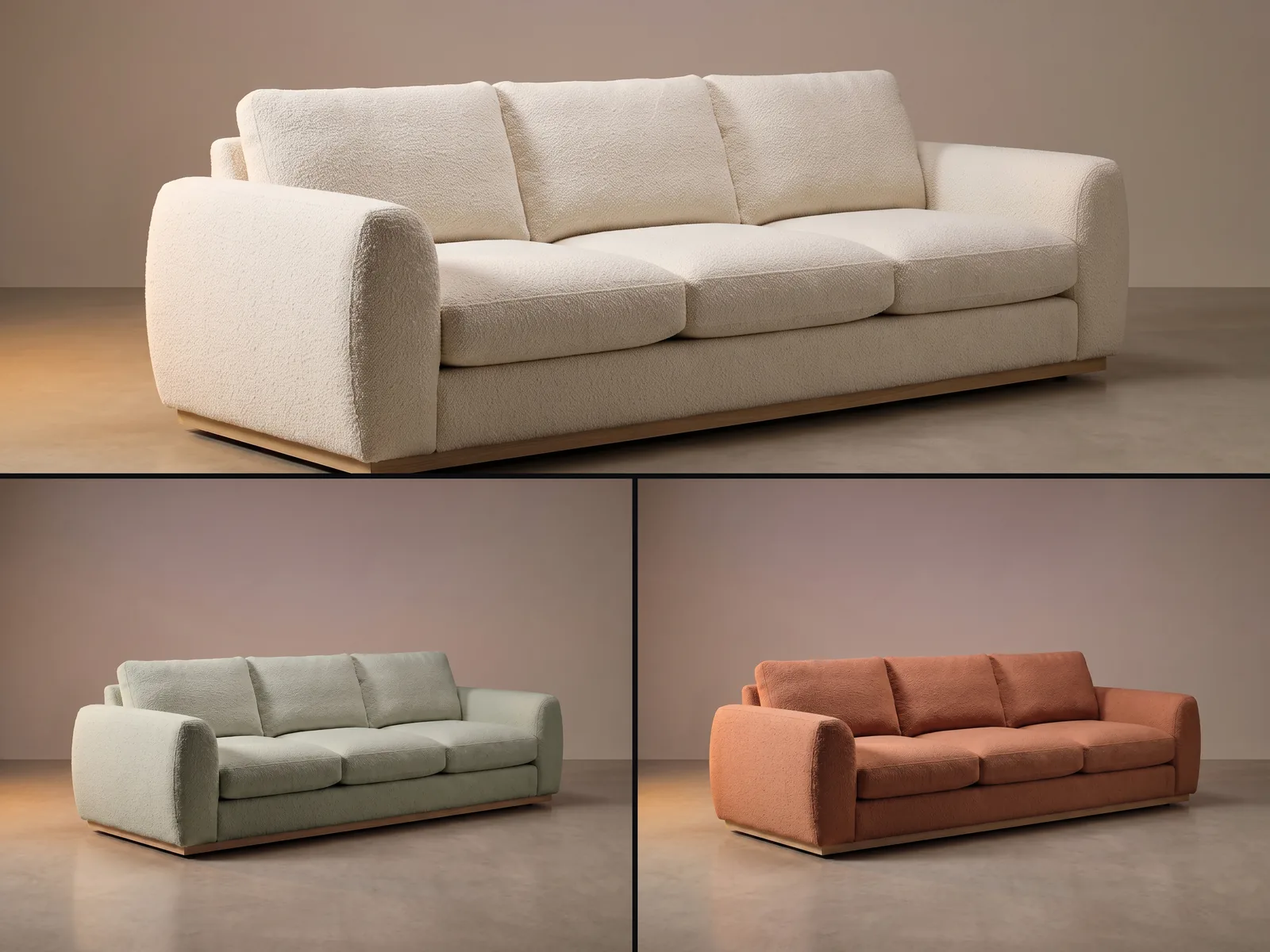
Not a dress on a model, and not a sofa on white. Composer takes the separate SKUs you already have and stages them together — the coat with the scarf, the sunglasses and the boots; the sofa with the rug, the lamp and the table. Every product below was a separate product shot.
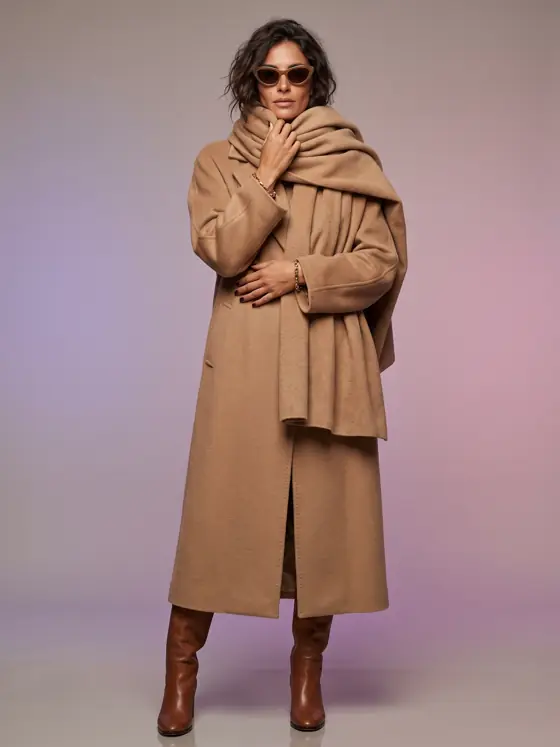 Apparel
 - 1 Sunglasses
- 2 Oversized scarf
- 3 Gold bracelet
- 4 Wool overcoat
- 5 Leather boots
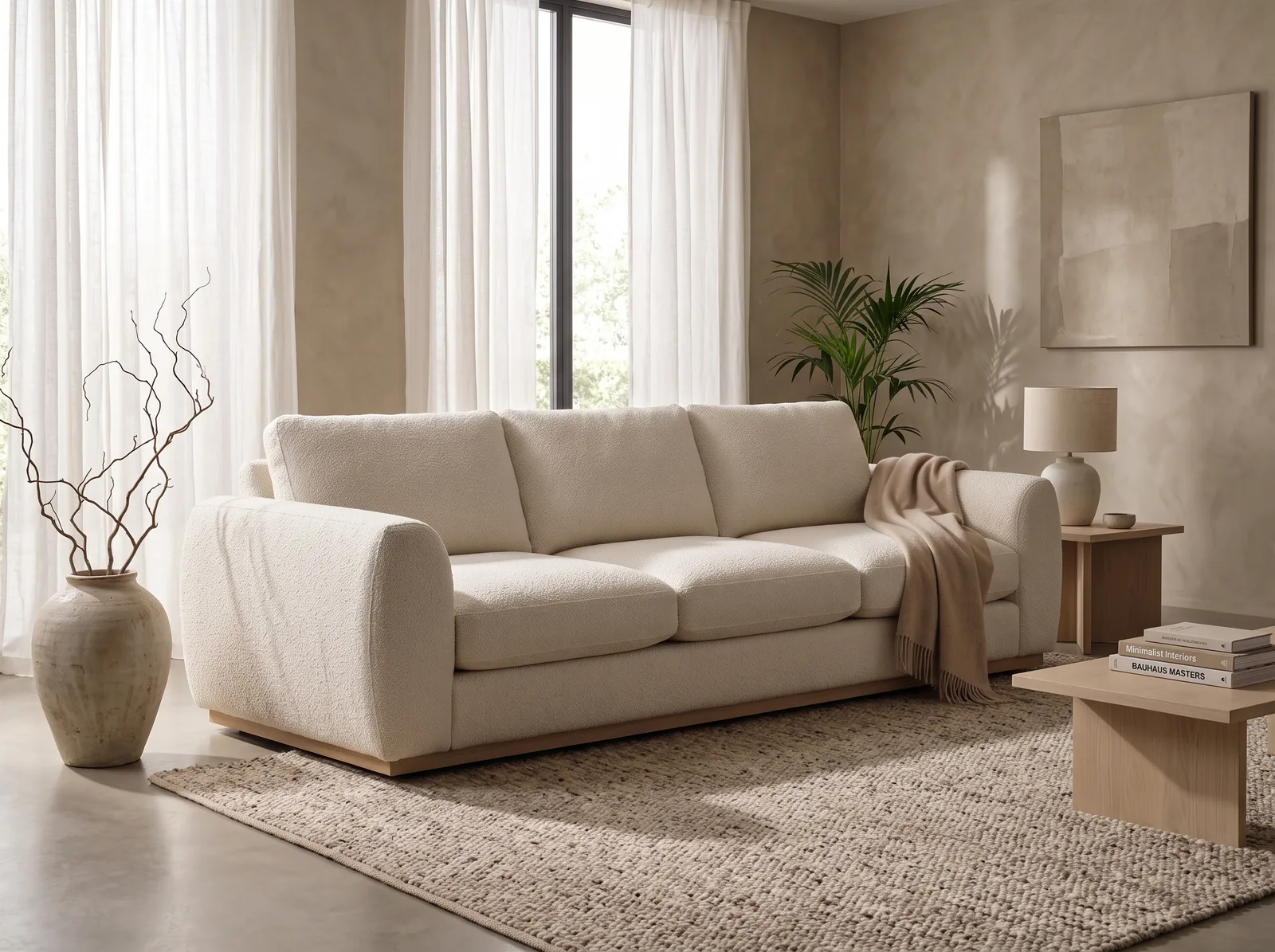 Home
Home - 1 Bouclé three-seater
- 2 Stoneware vase
- 3 Wool throw
- 4 Ceramic table lamp
- 5 Oak coffee table
- 6 Jute rug
Why compose?
Separate product shots don't sell a scene. Composer stages multiple SKUs together — cohesive catalogues, cross-sell imagery, and campaign visuals — without a photoshoot.
Cohesive catalog imagery
Stage your sofa, rug, and lamp in one living-room scene. Ship the room, not just the parts.
Cross-sell visuals
Show the bundle, not the SKU. Composed scenes drive higher AOV on product and collection pages.
Campaigns without a shoot
Seasonal launches, A/B tests, and social creative — composed in minutes, not weeks.
How Composer works
Three steps from SKUs to a finished scene.
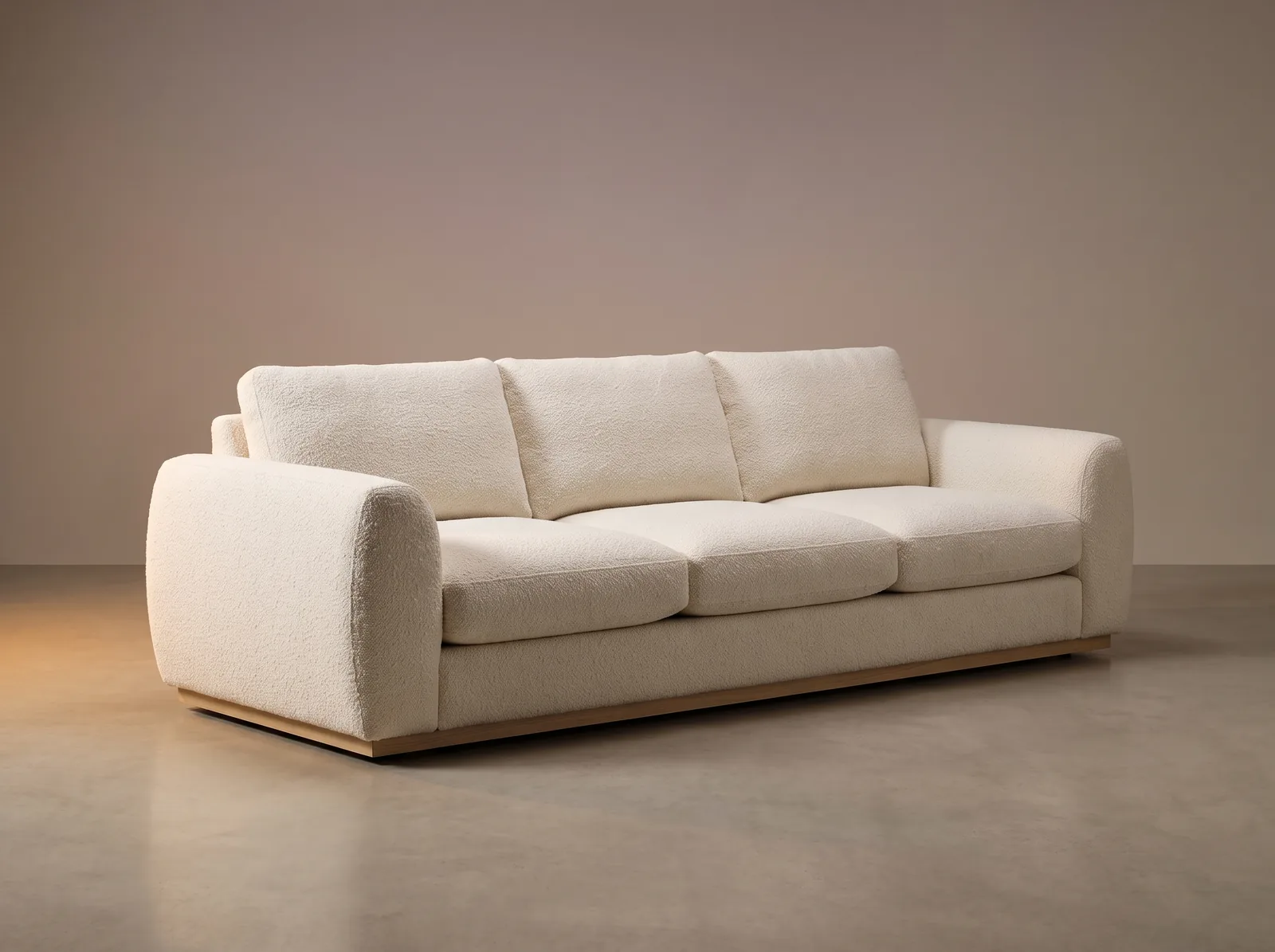
Pick products
Select 2–8 products from your catalogue or upload images directly. Any combination, any category.
Choose a scene style
Pick an environment, mood, and aspect ratio. Or let your active Brand Profile decide for you.
Generate the composition
AI stages every product into a single photo-real scene. Variants, retouches, and re-compositions in seconds.
Built for scale and brand fidelity
Designed for teams that ship campaign imagery on a weekly cadence.
Up to 8 products per scene
Scale from a two-piece bundle to a fully staged lifestyle room. Every product in its natural place.
5 aspect ratios
Hero, social square, banner, product, portrait — generate every crop from one composition.
Composition history
Every scene you generate is saved, searchable, and re-editable. Iterate without losing work.
Style Profile enforcement
Palette, composition, mood — every output governed by your Brand Profile, automatically.
Product Mode and Image Mode
Compose from connected catalogue SKUs or from uploaded images. Same engine, two workflows.
Instant variants
Swap environments, lighting, and aspect ratios in one click. Test and iterate at campaign pace.
Product Mode or Image Mode
Same Composer engine. Two starting points.
Compose from your catalogue
Connected to your SKUs. Composer identifies each product, places it naturally, and tracks every generation against your catalog.
- Auto-detects product types, dimensions, and style.
- Outputs flow straight into Organizer for approval and publish.
Compose from uploaded images
Drop in any product images — Composer stages them together in a single cohesive scene. No catalog connection required.
- Fastest path to a composition when you're still in creative exploration.
- Mix catalog and reference images freely — Brand Profile still enforced.
Every composition stays on-brand
Upload your brand guidelines once. Every Composer scene is governed by your active Brand Profile — palette, mood, composition, environment.
Feed Composer scenes into Organizer templates
Composer creates the scenes. Organizer enforces the catalog standards. Together, they keep every SKU complete, consistent, and on-brand.
Availability
Composer is on Pro and Business plans
Multi-product scene composition is a Pro-tier capability and above. Start free and upgrade when you're ready to stage.
See PricingComposer in detail
The capabilities that make multi-product composition fast, governed, and on-brand.
Brand Profile Lock
Every composition is governed by your active Brand Profile. Palette, mood, composition rules, and environment style are enforced by default — no manual tweaking required.
- Palette and lighting locked to your brand book.
- Composition rules — symmetry, negative space, hero placement.
- Environment libraries restricted to approved styles.
- Audit log captures every override for QA review.
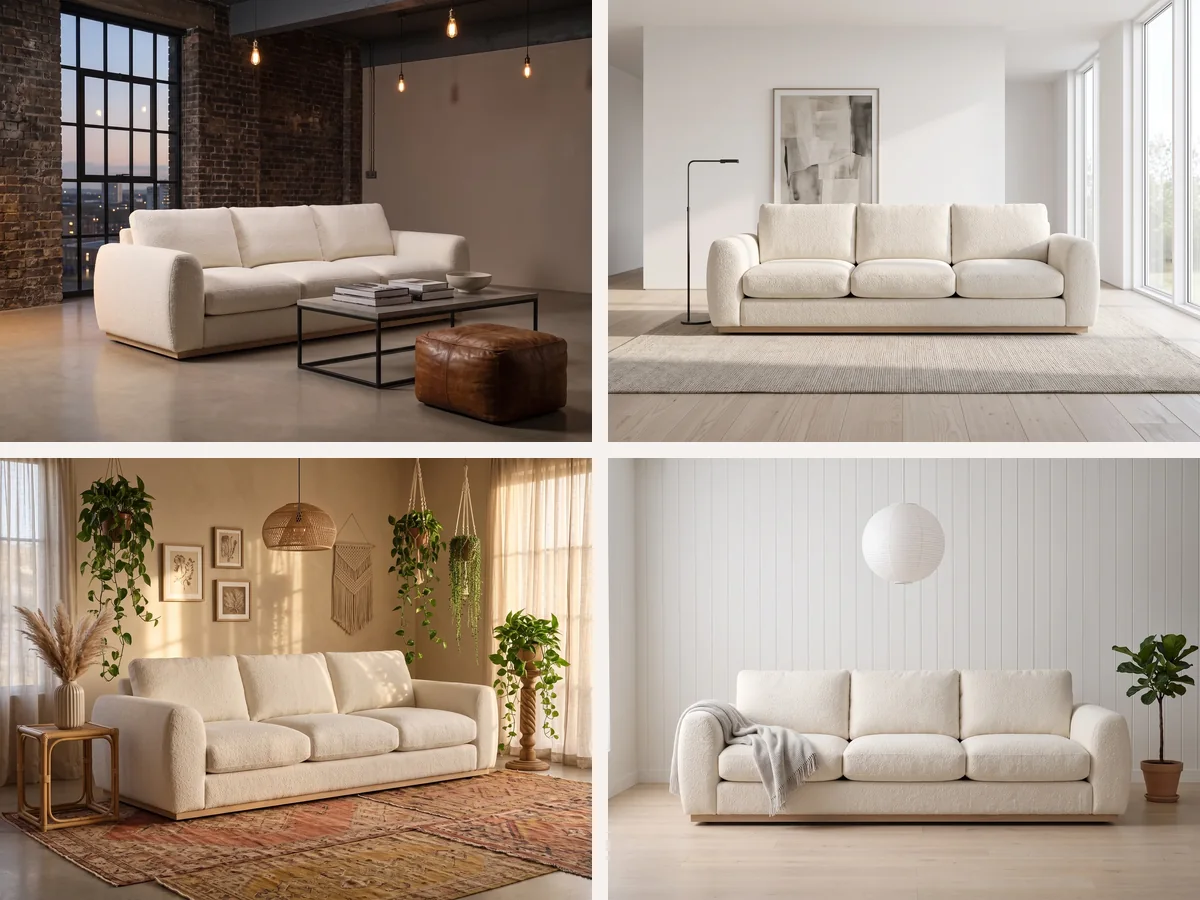
Hero & background swap
Hold the same product configuration and swap environments in one click. Test seasonal moods, A/B variants, and channel-specific backdrops without re-staging the products.
- Swap backgrounds while keeping product positions locked.
- Mood and lighting variants generated in parallel.
- Channel-specific crops produced from a single source.
- Bulk-export every variant to your DAM or CMS.
Composition history
Every scene Composer generates is saved, searchable, and re-editable. Branch a composition, restore an earlier variant, or hand off a working scene to another teammate without losing context.
- Searchable history of every composition you generate.
- Branch and re-edit any past scene without starting over.
- Restore prior variants instantly when stakeholders change direction.
- Shareable scene URLs for handoff and stakeholder review.
Built for teams that ship campaign imagery
From eCommerce to brand to marketing — Composer fits the people who own visual output.
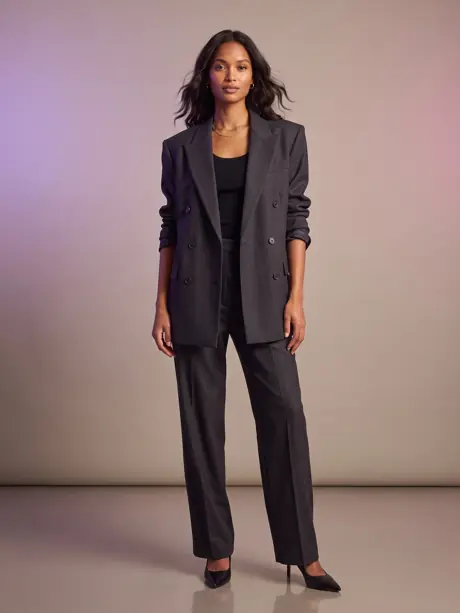
eCommerce Managers
Stage every collection, bundle, and cross-sell pairing without booking a photographer. Ship the room, not just the parts.
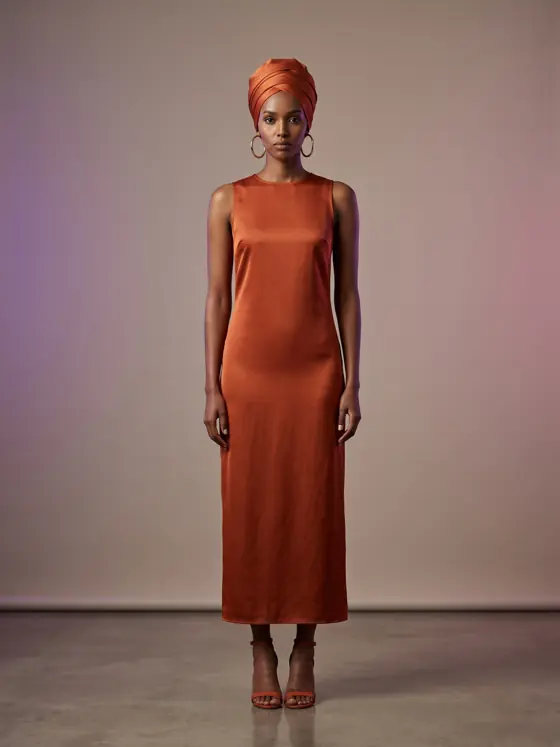
Marketing Teams
Seasonal launches, A/B tests, and channel-specific variants — composed in minutes, not weeks. Five aspect ratios from one source.
Brand Managers
Every composition obeys your Brand Profile by default. No more chasing one-off creative agencies to keep palette, mood, and composition on-brand.
VizIQ Composer FAQs
Common questions about multi-product composition.
Which plans include VizIQ Composer?
How many products can I combine in one scene?
Do I need to upload products each time?
Does Composer use my Brand Profile automatically?
Stage the scene, not just the SKU.
Start free, compose your first scene in under a minute, and see what multi-product AI imagery can do.